Building an AI QR Code Generator with ControlNet + StableDiffusion
June 19, 2023 · Allan Karanja
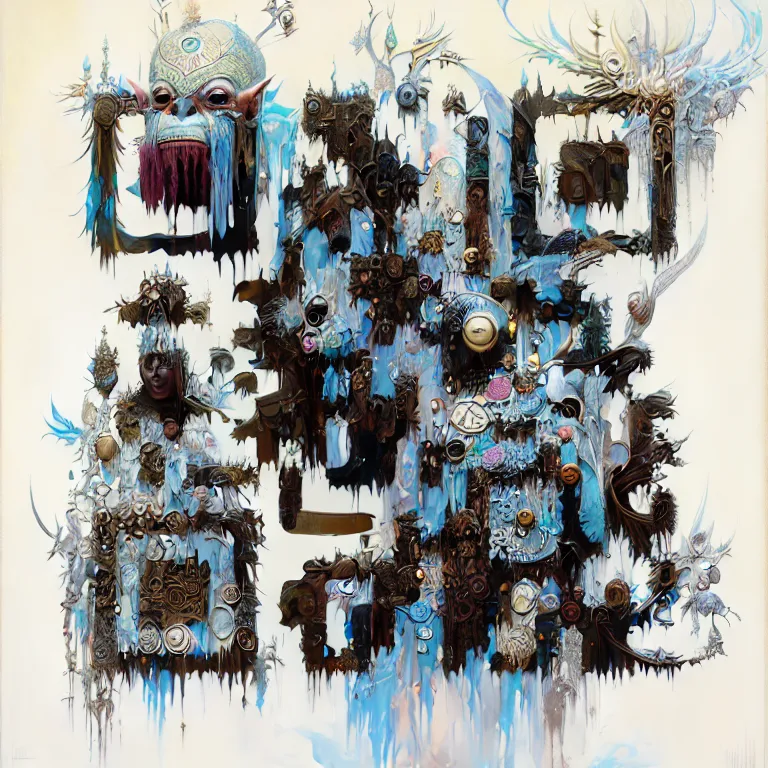
AI QR Codes
QR codes are everywhere, but they’re boring. I set out to change that using Stable Diffusion and ControlNet.Generate artsy QR codes that still scan reliably. Controlnet was used to maintain the structural elements of the QR code(make sure that it actually is scannable). The stable diffusion to generate the artistic variations around it.
The Technical Foundation
The architecture was straightforward:
- Frontend: React, allowing users to enter their prompts and what link the QR code should point to
- Backend: Flask as the backend, receiving requests, triggering inference, uploading results to storage and saving prompts
- ML Layer: TorchServe hosting a Stable Diffusion + ControlNet pipeline on a GPU VM, using custom handlers and .mar archives for deployment
Challenge 1: The Scannable Lottery
I exposed several parameters in the UI that theoretically controlled the art-to-function balance:
- Strength (default: 0.9): How much artistic freedom the model has
- ControlNet Conditioning Scale (default: 1.3): How strongly to preserve the QR structure
- Guidance Scale (default: 7.5): How closely to follow the text prompt
You’d think tweaking these would give you predictable results. It didn’t. Sometimes you’d need to rerun the prompt a couple of times but the other it wouldn’t work. This randomness in testing forced a new feature. A prompt gallery where users could see previous image generations, find one they liked and reuse it.
Challenge 2: TorchServe and the .mar File
Serving AI models introduces additional complexity beyond packaging. When multiple requests arrive, you need queueing and batching logic to periodically (for example, every second) group them so the GPU can process them in parallel. TorchServe supports this pattern, but my initial implementation processed requests sequentially, leaving performance on the table.
Handlers define how inputs are preprocessed, how inference runs, and how outputs are postprocessed before returning results. These handlers are packaged into the .mar file alongside the model weights. Running this setup requires a GPU-enabled VM where you download the weights, create the handler, and generate the .mar archive for deployment.
Getting Stable Diffusion running locally in a notebook is one thing. Serving it to real users via TorchServe was frustrating to say the least.
The full pipeline looked like this:
- User submits prompt and QR content
- Flask receives request, forwards to TorchServe
- TorchServe generates QR code (10-20 seconds)
- Flask receives numpy array, converts to image
- Return image to frontend
Between steps 4-5 could have been a cloud storage solution.( Later iterations added GCS uploads for persistence, but initially I just returned images directly. )
What I Learned
Looking back, a few lessons have stuck:
Over 100 QR codes during the project.
The most successful prompts styles were:
- Prompts mentioning “3D”, “fine art”, or “trending on artstation” seemed to work better
- Natural scenes (forests, deserts, houses) had higher success rates than abstract concepts
Budget hardware means budget performance. That T4 was cheap for a reason, and 10-20 seconds per inference was the price. For production, you need to think about batching, parallelization, or better hardware.
Batching would have significantly improved throughput, especially since GPUs excel at parallel workloads. TorchServe supports this pattern, but I had not implemented a request queue or batching loop at the time.
The code is on GitHub
Stack: Python, React, Material-UI, Flask, TorchServe, Stable Diffusion, ControlNet, Docker, Google Cloud Storage, Firestore